Hello! Welcome to the next module in our journey with Finite State Machines.
In the previous module, we built a complete, interactive FSM to manage your game's UI flow, right down to the polished, animated transitions. We saw how an FSM can neatly organize which parts of the UI are active and how the user can trigger transitions between them.
Now, we're going to apply that same thinking on a much larger scale. Instead of managing UI screens, we will use an FSM to manage the entire flow of a game, from the lobby to the final scoreboard. This is one of the most powerful applications of FSMs in game development.
This lesson addresses the first learning outcome of this module: Identify the high-level game states for a typical match-based game (e.g., Lobby, Countdown, InRound, PostRound). Our goal today is purely about design and analysis—identifying the core phases of a game, which is the essential first step before writing any code.
1. From UI Flow to Game Flow
You've already seen how FSMs can manage a sequence of events. For a UI, the states were screens like MainMenu or Settings. For the entire game, the states represent major phases of the player's experience. This high-level FSM is often called a Game State Manager.
Many classic games are built on this principle, where different FSMs handle everything from small animations to the overall progression of the game. Let's watch a short clip that explains this idea using a classic example.
How NES Games Use State Machines For Everything
This video, 'How NES Games Use State Machines For Everything' by NesHacker, does a great job of showing how FSMs can be layered. We'll focus on the part that discusses the game's overall state.
Please watch from 01:21 to 02:35. Pay close attention to how the video describes a 'bigger, more abstract State machine' that handles the transition from the title screen to the game itself.
As the video explains, a game can have a hierarchy of state machines. You might have one FSM for an NPC's behavior and another for a UI panel's animation, but a single, top-level FSM is what dictates the main "chapter" of the game the player is currently in. Is the game in the main menu? Is a match in progress? Has the match ended? These are the questions our Game State FSM will answer.
2. Anatomy of a Match-Based Game
Let's make this more concrete by looking at a common game genre on Roblox: the round-based or match-based game. Think of games like "Dead by Daylight," "Murder Mystery 2," or any game where you play in distinct rounds with a winner at the end.
These games follow a predictable cycle, which makes them perfect candidates for an FSM. We'll analyze an open-source Roblox game project to see its structure.
Roblox-Forsaken-Style-Game README
This is the documentation for a 'Forsaken-Style' Roblox horror game on GitHub. It includes a clear description of the game's flow, which perfectly outlines its high-level states.
Please read the short 'Game Flow' section. It explicitly lists the sequence of states the game moves through.
The resource you just read outlines a very common pattern for a game loop FSM:
- Waiting: The game is in a holding pattern until enough players have joined to start a match. This is often the initial state.
- Lobby (or Countdown): Enough players are present. They are gathered in a lobby area while a countdown timer ticks down, building anticipation before the match begins.
- In Progress (or InRound): This is the core gameplay state where the match rules are active. Players are trying to achieve their objectives.
- Ending (or PostRound): The match's win/loss conditions have been met. The game shows the results, gives out rewards, and prepares to loop back to the beginning.
These four states form the backbone of countless match-based games. The 'Lobby' and 'Countdown' phases are so common they have become a core part of the multiplayer experience.
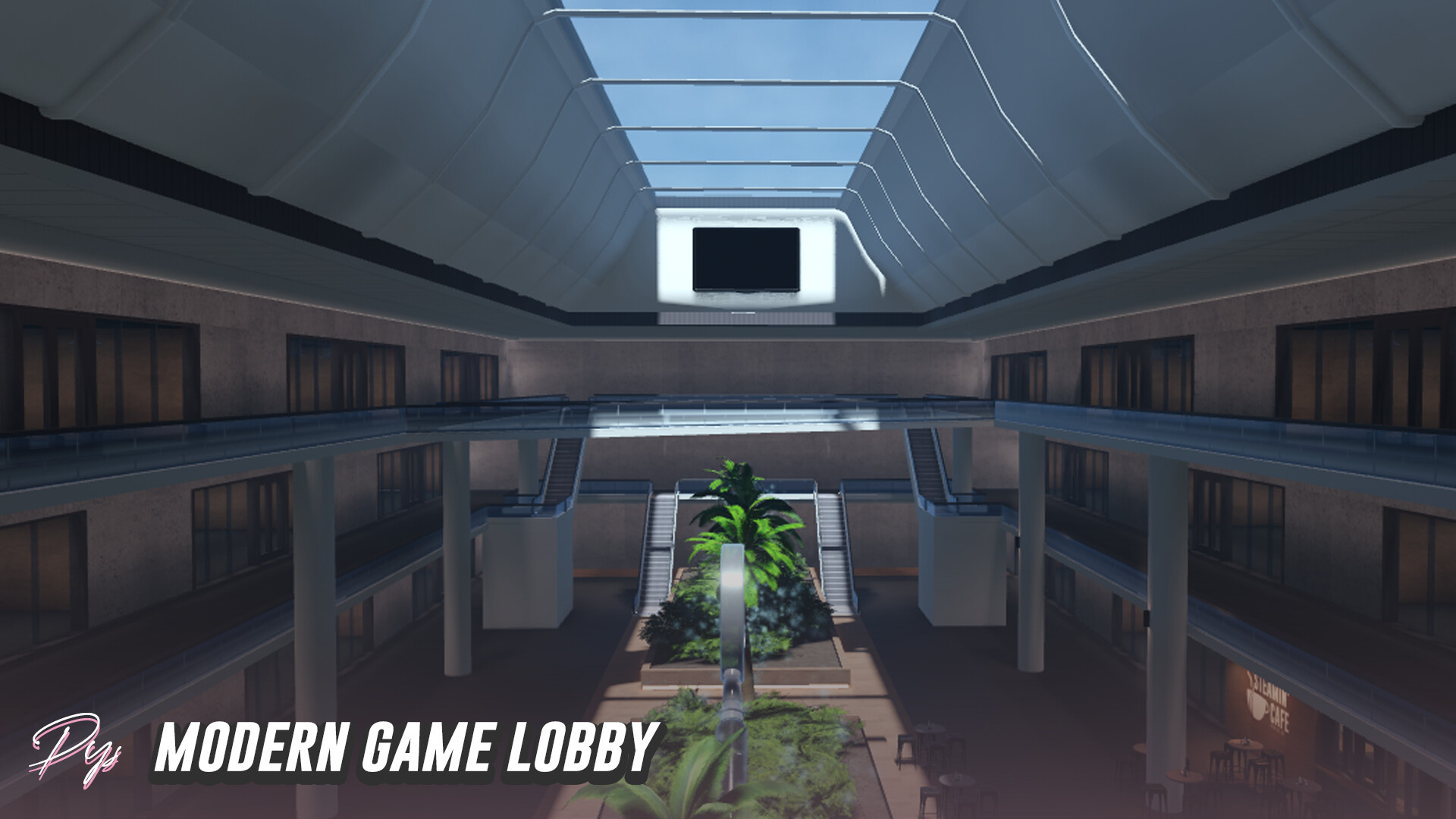

The game's code will often have a dedicated module for managing this, as hinted at in the same GitHub repository. In its file structure, you can see a script named GameStateManager.lua. Its entire job is to implement the FSM that transitions the game through the flow we just discussed.
3. Your Turn: Deconstruct a Game
Now it's your turn to practice identifying these states. Different games have variations on this core loop. Let's analyze the rules of another popular competitive game to map out its states.
Your Task:
Read the following description of a competitive match in Counter-Strike 2. As you read, think about the distinct phases of the match. What are the key moments that change what players are allowed to do?
Counter-Strike Wiki: Competitive Mode
This wiki page for Counter-Strike describes the rules and flow for its 'Competitive' game mode. We will focus on the overview that details the round structure and match progression.
Please read the first few paragraphs of the 'Overview' section, focusing on the description for Counter-Strike 2. Pay attention to terms like 'warmup period', '12 round per half match', 'halftime', and when the match ends.
Based on that description, try to list the high-level states a Counter-Strike 2 match would require. Don't worry about getting it perfect; focus on identifying the main phases.
...
Click here to see a possible list of states
Here is a likely set of states for a Counter-Strike 2 game manager FSM:
- Warmup: An optional pre-match state where players can join and practice freely without affecting the match score. The game transitions out of this state when the match is ready to begin.
- InRound: The core gameplay loop for a single round. The bomb/defuse objectives are active. This state would last for a maximum of 1 minute and 55 seconds or until one team wins the round.
- RoundEnd: A brief state (a few seconds) after a round is won or lost. It typically shows who won and freezes players before transitioning to the next round.
- Halftime: A special state that occurs after 12 rounds have been played. Here, teams are swapped, and there's a brief pause before the second half of the match begins.
- MatchEnd: This state is entered when one team wins 13 rounds or when the score is 12-12 (a tie). It displays the final scoreboard and declares the winner (or a draw).
- TacticalTimeout: A paused state that can be triggered by a team during a round. It temporarily halts the round timer.
Notice how the core ideas are similar (a pre-game phase, a main game phase, a post-game phase), but the specifics of the game's rules introduce unique states like Halftime. This is why identifying states is such a crucial first step in design.
Conclusion
Great work! You've successfully made the conceptual leap from managing small-scale systems to designing the FSM for an entire game loop.
Key Takeaways:
- A high-level FSM, often called a Game State Manager, is used to control the overall flow of a game.
- For match-based games, a common set of states includes Waiting, Lobby/Countdown, InRound, and PostRound.
- The specific states you need will always depend on the unique rules and features of your game (e.g., halftime, timeouts, etc.).
- Analyzing a game's rules to identify its distinct phases is the first and most important step in building a game loop FSM.
In our next lesson, we will take these concepts and start building. You will create a server-side FSM to manage a simple game loop using the states we've identified today.