Introduction
In our last lesson, you mastered the for/else construct, learning how to replace a clunky boolean flag with a clean, idiomatic Python feature for search-and-fallback patterns. We'll continue that theme today by tackling another common source of boilerplate code: resource management.
Your learning outcome for this lesson is to use the with statement with built-in and library context managers for safe and automatic resource cleanup.
Coming from a language like Java, you're familiar with the try-finally or try-with-resources pattern to ensure that resources like file handles, network connections, or database sessions are always closed. Python's with statement, powered by a concept called the context manager protocol, provides an elegant and robust way to achieve the same goal, making your code safer and more readable.
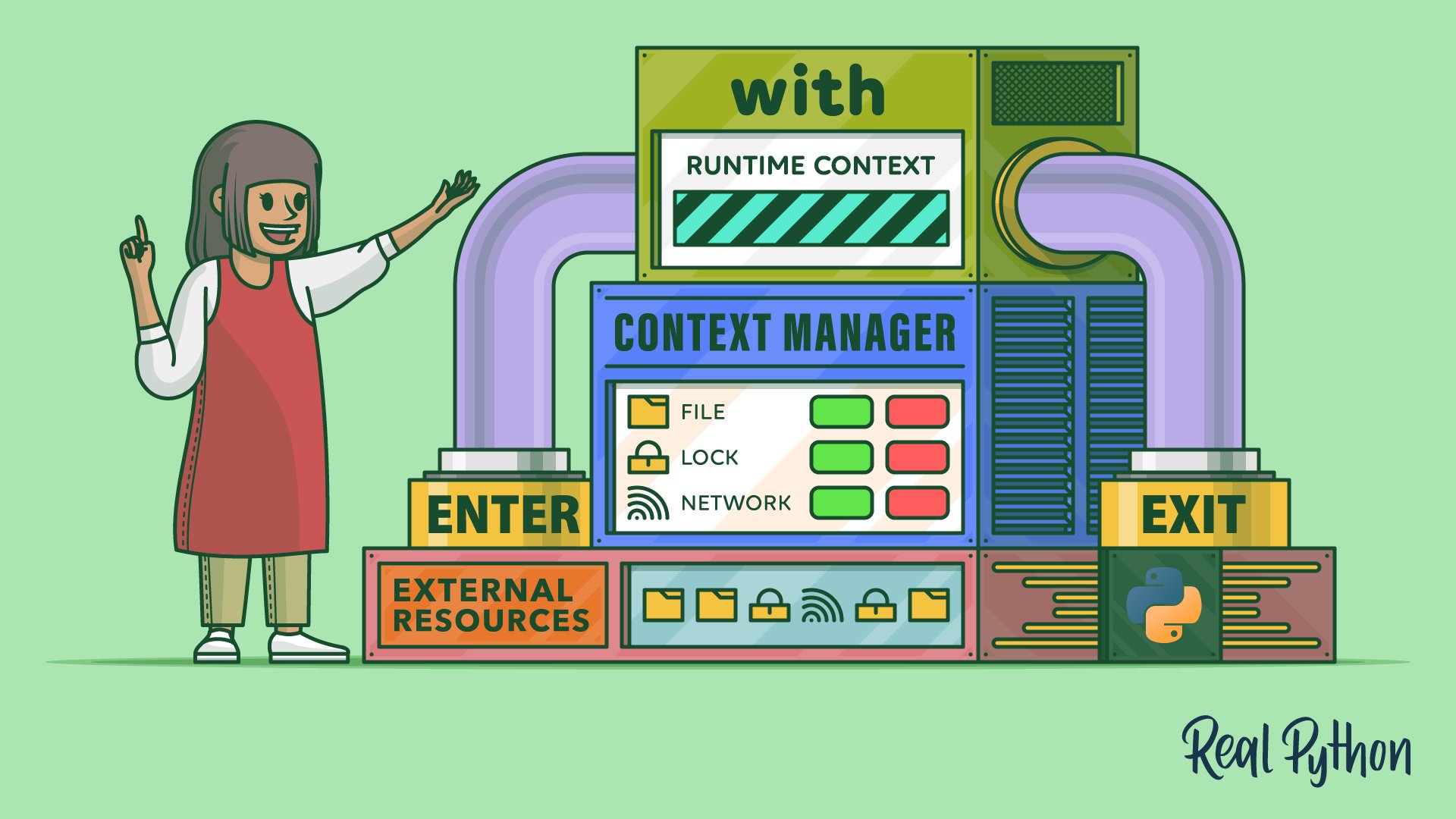
1. The Problem: Manual Resource Cleanup
Anytime you work with external resources, you follow a two-step process:
- Setup: Acquire the resource (e.g., open a file, connect to a database).
- Teardown: Release the resource (e.g., close the file, disconnect from the database).
The teardown step is critical. If you forget it, or if an error occurs before the cleanup code is reached, you can cause a "resource leak." The classic, non-Pythonic way to handle this is with a try...finally block.
The Anti-Pattern (try...finally):
# Non-idiomatic way, prone to errors if not written carefully
file = open('data.txt', 'w')
try:
    file.write('Hello, world!')
finally:


    # This block *always* runs, ensuring the file is closed.
    file.close()
While this works, it's verbose and separates the acquisition of the resource from its release. Python offers a much cleaner syntax.
Understanding Context Managers
The article "How to Use Context Managers for Resource Management" provides a great side-by-side comparison that immediately highlights the benefit of the with statement.
Read the section titled "The Problem Context Managers Solve". Focus on the 'BAD' vs 'GOOD' code examples for file handling. The sequence diagram under "How the with Statement Works" also provides a useful visual of the execution flow.
2. The Pythonic Solution: The with Statement
The with statement is designed specifically to handle this setup/teardown logic. It formalizes the process into what is known as the context management protocol. Any object that follows this protocol can be used in a with statement, guaranteeing its cleanup logic will be executed.
Let's get a formal definition and see how it works under the hood.
Python's with Statement: Manage External Resources Safely
The article "Python's with Statement" from Real Python offers a thorough explanation of the syntax and the protocol itself.
Read from the beginning of the article down to the end of the section titled "The with Statement". This will cover: The try...finally boilerplate. The syntax of the with statement. The two special methods that form the context management protocol: __enter__ and __exit__. The internal step-by-step execution flow of a with block.
To reinforce this, the following video provides a concise introduction to why context managers are a fundamental "good habit" in Python.
The ins and outs of context managers and try-finally in Python
The video "The ins and outs of context managers" by mCoding introduces the core motivation for using with and demonstrates its basic syntax.
Watch the first part of the video (00:00 - 01:44). The key takeaway is understanding that the with statement automates cleanup, even when exceptions occur.
3. Why with is So Robust: Guaranteed Cleanup
The real power of the with statement is not just syntactic sugar; it's about robustness. The __exit__ method is guaranteed to be called regardless of how the with block is exited. This includes:
- Normal completion of the block.
- An exception being raised inside the block.
- A
returnstatement inside the block. - A
breakorcontinuestatement inside the block.
This guarantee is what makes with superior to manual try...finally structures, where complex control flow can still lead to mistakes.
The ins and outs of context managers and try-finally in Python
Let's return to the mCoding video. He provides an excellent demonstration of this robustness by temporarily modifying a file's .close() method to print a message, showing exactly when it gets called in different scenarios.
Watch the segment from 01:56 to 04:39. Pay close attention to the output in these three cases: No exception. With an exception. With a return statement. Notice how the "closing" message is printed before the function actually returns.
4. Context Managers in the Standard Library and Beyond
The with statement is not just for files. Many objects in Python's standard library and popular third-party libraries are context managers. Using them correctly is a mark of an idiomatic Python developer.
Python's with Statement: Manage External Resources Safely
The Real Python article we looked at earlier has an excellent section that catalogues several useful context managers.
Read the section titled "Using Python’s with Statement". You don't need to memorize every detail, but understand the purpose of each example: Working With Files: Using pathlib.Path.open(), a modern and preferred alternative to open(). Traversing Directories: Using os.scandir() for efficient directory iteration. Performing High-Precision Calculations: Using decimal.localcontext() to temporarily change calculation precision. Handling Locks in Multithreaded Programs: Using threading.Lock() to safely acquire and release locks.
A very common use case in web development and data science involves managing network connections. The popular requests library provides a Session object that can be used as a context manager to ensure connection pools are properly cleaned up.

Exercise: Refactor to Use with
Below is a function that copies the content of one file to another, converting it to uppercase. It uses nested try...finally blocks to ensure both files are closed. This code is correct but clumsy.
Your task is to refactor it into a clean, Pythonic function using a single with statement to manage both files.
Starter Code (Non-Idiomatic):
def copy_to_uppercase_manual(input_path: str, output_path: str):
    """
    Copies content from input_path to output_path, converting to uppercase.
    Uses manual try...finally for resource management.
    """
    input_file = open(input_path, 'r')
    try:
        output_file = open(output_path, 'w')
        try:
            for line in input_file:
                output_file.write(line.upper())
        finally:
            print(f"Closing output file: {output_path}")
            output_file.close()
    finally:
        print(f"Closing input file: {input_path}")
        input_file.close()


# Create a dummy file to test with
with open("original.txt", "w") as f:
    f.write("first line\n")
    f.write("second line\n")


# Run the function
copy_to_uppercase_manual("original.txt", "uppercase.txt")


# Check the result
with open("uppercase.txt", "r") as f:
    print("\nResult:")
    print(f.read())
Your Task:
Create a new function, copy_to_uppercase_pythonic, that achieves the same result but uses a with statement to manage both file objects simultaneously.
Solution
def copy_to_uppercase_pythonic(input_path: str, output_path: str):
    """
    Copies content from input_path to output_path, converting to uppercase.
    Uses a single 'with' statement for clean resource management.
    """


    # You can manage multiple context managers by separating them with a comma.
    with open(input_path, 'r') as input_file, open(output_path, 'w') as output_file:
        print(f"Opened {input_path} and {output_path}")
        for line in input_file:
            output_file.write(line.upper())


    # Both files are automatically closed here, even if an error occurred.
    print("Both files have been automatically closed.")


# Create a dummy file to test with
with open("original.txt", "w") as f:
    f.write("first line\n")
    f.write("second line\n")


# Run the Pythonic function
copy_to_uppercase_pythonic("original.txt", "uppercase.txt")


# Check the result
with open("uppercase.txt", "r") as f:
    print("\nResult:")
    print(f.read())
Notice how much cleaner this is. The setup and teardown logic is gone, allowing you to focus purely on the core task of reading, transforming, and writing the data. The with statement handles all the resource management automatically.
Conclusion
You have now learned how to use the with statement, a cornerstone of robust and readable Python code. By embracing this feature, you replace verbose and error-prone try...finally blocks with a declarative construct that guarantees resource safety.
Key Takeaways:
- The
withstatement automates resource setup and teardown. - It is powered by the context management protocol (
__enter__and__exit__methods). - Cleanup is guaranteed, regardless of exceptions, returns, or breaks inside the
withblock. - Many objects in the standard library (
open,threading.Lock,os.scandir) and third-party libraries (requests.Session) are context managers. - You can manage multiple resources in a single
withstatement by separating them with commas.
In this lesson, you learned how to use existing context managers. In our next lesson, we will take the next logical step: you will learn to write a custom context manager using the @contextlib.contextmanager decorator and a generator, allowing you to make your own objects compatible with the with statement.