Hello and welcome to the next lesson in our journey to build an automated content creation system.
In our last session, you identified key sources for tech trend signals and created a Data Source Map listing specific RSS feeds and API endpoints. This map is our strategic blueprint for data collection. Today, we transition from planning to practice and start building the first part of our data ingestion pipeline.
This lesson is all about writing the code to pull in raw data from the outside world. We'll cover two primary methods that correspond directly to the sources you've mapped out:
- Parsing RSS feeds from tech blogs and news sites.
- Consuming JSON APIs, using the Hacker News API as our main example.
Given your background in TypeScript and building scalable systems, we will focus on robust, type-safe implementation patterns. This is a hands-on lesson, so get your project environment ready. By the end, you'll have functional modules that can fetch and structure data from multiple sources, laying the foundation for the trend analysis we'll perform later.
1. Parsing RSS Feeds
Many blogs, news outlets, and even some platforms like Reddit offer RSS (Really Simple Syndication) feeds. These are structured XML files that provide a clean, machine-readable list of recent content, making them a reliable and straightforward data source.

For our TypeScript project, we can use a library to handle the complexities of parsing the XML format. A popular and simple choice is rss-parser.
Let's look at a practical, minimal implementation.
Dynamic Github profile with Bun and Typescript
The following blog post, 'Dynamic Github profile with Bun and Typescript,' demonstrates a very clean and direct approach to fetching and parsing an RSS feed using rss-parser in a TypeScript script. It's a perfect example for our use case.
Please read through the following parts of the article. While the author uses Bun, the code is standard TypeScript and will work in any Node.js environment. Start by reviewing the 'Next, I'll use the rss-parser...' section to see how to install the library. Then, carefully study the code block under 'Now it's time to write the script feed.ts.' This contains the core fetchFeed function, which is exactly what we need. Finally, look at the example JSON response provided. This will help you understand the data structure you'll be working with.
Implementing an RSS Fetcher
Based on the example, let's establish a pattern for our project. We'll create a dedicated module for this functionality.
-
Installation: Add
rss-parserto your project:npm install rss-parser -
Create the Module: In your project's
srcdirectory, create a new folderdata-collection. Inside it, create a file namedrss.ts. -
Write the Fetcher Function: Here is a slightly adapted version of the code from the resource, structured for our project.
// src/data-collection/rss.ts

import RssParser from 'rss-parser';

// Define a type for the items we care about.
// The parser returns many fields, but we'll only type the ones we use.
export interface RssItem {
  title: string;
  link: string;
  pubDate?: string;
  isoDate?: string;
  content?: string;
  contentSnippet?: string;
}

const parser = new RssParser();

/**
 * Fetches and parses an RSS feed from a given URL.
 * @param {string} feedUrl - The URL of the RSS feed.
 * @returns {Promise<RssItem[]>} A promise that resolves to an array of feed items.
 */
export const fetchRssFeed = async (feedUrl: string): Promise<RssItem[]> => {
  try {
    console.log(`Fetching RSS feed from: ${feedUrl}`);
    const feed = await parser.parseURL(feedUrl);

    // We ensure that we only return items that have a title and link.
    const validItems = feed.items.filter(
      (item): item is RssItem => !!item.title && !!item.link
    );

    console.log(`Successfully fetched ${validItems.length} items.`);
    return validItems;
  } catch (error) {
    console.error(`Error fetching or parsing feed at ${feedUrl}:`, error);
    return []; // Return an empty array on failure to prevent crashing the pipeline.
  }
};
This module provides a reusable, error-handled function to fetch any RSS feed. Notice we've defined an RssItem interface. While helpful, TypeScript interfaces don't validate data at runtime. This is a subtle but important point we'll address more rigorously in the next section.
2. Collecting Data from JSON APIs
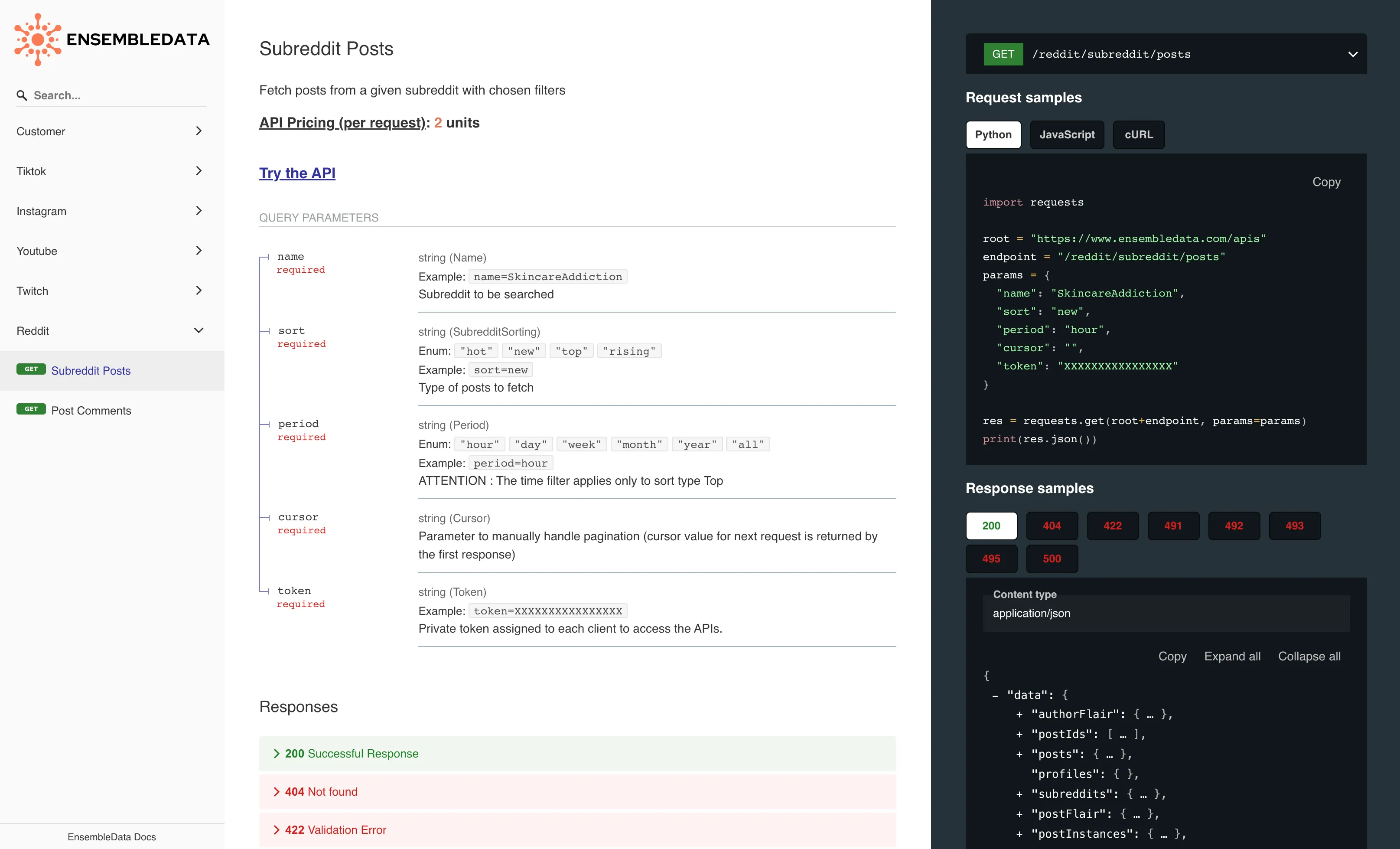
While RSS is great, many modern platforms provide data via REST or GraphQL APIs. These are often more powerful, allowing for queries, filtering, and access to more complex data structures than a simple feed. The Hacker News, Reddit, and ArXiv APIs you mapped out fall into this category.
When you fetch data from an external API, you receive a raw JSON object. Your TypeScript code might expect it to match a certain interface, but there are no guarantees. The API could change, a field could be unexpectedly null, or the data could be malformed. This is a classic "boundary" problem in typed languages.
To solve this, we must validate the data at runtime as it enters our system. A library like io-ts or zod is perfect for this. It allows you to create a validator that both checks the data's structure at runtime and infers a static TypeScript type, ensuring what you're working with is guaranteed to be what you expect.
The following article gives an excellent explanation of why this is necessary and how to achieve it with io-ts.
Checking Types Against the Real World in TypeScript
This article, 'Checking Types Against the Real World in TypeScript,' is a foundational read for building robust applications that consume external data. It perfectly articulates the problem and presents a solution using io-ts.
Please read the following sections to understand the core concepts: 'Bridging the gap with validators': This explains the 'why'—the gap between static types and real-world data. 'From validator to type': Focus on the code example showing how to define a validator with t.type({...}). This is the central pattern. 'Referencing types produced using io-ts': This section shows how to extract a static type from your validator using t.TypeOf<typeof YourValidator>, which is the magic that connects runtime validation to static type safety. Note: The article also mentions fp-ts. While io-ts is built on it, you don't need to learn fp-ts to use the validation patterns shown.
Implementing an API Fetcher with Runtime Validation
Let's apply this pattern to fetch data from the Hacker News API.
-
Installation: Add
io-tsand a reporter for clear error messages.npm install io-ts io-ts-reporters -
Create the Module: Create a new file
src/data-collection/hackernews.ts. -
Define Validator and Fetcher:
// src/data-collection/hackernews.ts

import * as t from 'io-ts';
import { isRight } from 'fp-ts/lib/Either';
import { reporter } from 'io-ts-reporters';

const HN_API_BASE_URL = 'https://hacker-news.firebaseio.com/v0';

// 1. Define the validator for a Hacker News story item
// We only include fields relevant to our goal.
const HackerNewsStoryValidator = t.type({
  id: t.number,
  by: t.string,
  descendants: t.number, // Number of comments
  score: t.number,
  time: t.number, // Unix timestamp
  title: t.string,
  type: t.literal('story'),
  url: t.union([t.string, t.undefined]), // Stories can be links or text posts (Ask HN)
});

// 2. Infer the TypeScript type from the validator
export type HackerNewsStory = t.TypeOf<typeof HackerNewsStoryValidator>;

/**
 * Fetches the details for a single Hacker News item and validates its structure.
 * @param {number} id - The ID of the story to fetch.
 * @returns {Promise<HackerNewsStory | null>} The validated story object, or null if fetching or validation fails.
 */
const fetchStory = async (id: number): Promise<HackerNewsStory | null> => {
  try {
    const response = await fetch(`${HN_API_BASE_URL}/item/${id}.json`);
    if (!response.ok) {
      throw new Error(`Failed to fetch story ${id}: ${response.statusText}`);
    }
    const data = await response.json();

    // 3. Decode (validate) the data at runtime
    const validationResult = HackerNewsStoryValidator.decode(data);

    if (isRight(validationResult)) {
      // Validation succeeded, return the data
      return validationResult.right;
    } else {
      // Validation failed
      const errorMessages = reporter(validationResult).join(', ');
      console.warn(`Validation failed for item ${id}: ${errorMessages}. Item might not be a story or API has changed.`, data);
      return null;
    }
  } catch (error) {
    console.error(`An error occurred while fetching story ${id}:`, error);
    return null;
  }
};

/**
 * Fetches the top story IDs from Hacker News and then fetches the details for each story.
 * @param {number} limit - The number of top stories to fetch.
 * @returns {Promise<HackerNewsStory[]>} A promise resolving to an array of validated story objects.
 */
export const fetchHackerNewsTopStories = async (limit: number = 20): Promise<HackerNewsStory[]> => {
  try {
    const response = await fetch(`${HN_API_BASE_URL}/topstories.json`);
    if (!response.ok) {
      throw new Error('Failed to fetch top story IDs');
    }
    const topStoryIds: number[] = await response.json();

    const storyPromises = topStoryIds
      .slice(0, limit)
      .map(id => fetchStory(id));

    const stories = await Promise.all(storyPromises);

    // Filter out any null results from failed fetches or validations
    const validStories = stories.filter((story): story is HackerNewsStory => story !== null);

    console.log(`Successfully fetched and validated ${validStories.length} Hacker News stories.`);
    return validStories;

  } catch (error) {
    console.error('Failed to get Hacker News top stories:', error);
    return [];
  }
};
This approach is extremely robust. It centralizes data validation at the entry point of our system. Any code that later consumes a HackerNewsStory object can trust that it conforms to the expected shape, thanks to the combination of runtime validation and static typing.
Advanced Example: A Glimpse Ahead
The patterns we've discussed are foundational. In a production system, you'd add caching, more sophisticated error handling, and perhaps extract page content from the story URLs. The following video provides a look at a more complex system built with Hono on Cloudflare Workers that does exactly this—combining RSS parsing, content scraping, and even caching.
Summarize Hacker News with Hono + Cloudflare
The video 'Summarize Hacker News with Hono + Cloudflare' from the Syntax channel is a great showcase of a complete data processing pipeline. While more complex than our current task, it's a valuable look at how these pieces fit together.
You don't need to replicate this entire setup, but watching these segments will connect today's lesson with future topics: RSS Parsing (21:46 - 27:24): See how they use feed-extractor (an alternative to rss-parser) to get Hacker News data. Content Scraping (27:24 - 33:24): This part demonstrates fetching the article's HTML and using Mozilla Readability to extract the main content. This is a preview of our next lesson. Caching (34:57 - 41:38): Watch how they use a Key-Value store to cache the processed articles, avoiding redundant work. This is a key technique for building efficient and cost-effective automation.
Activity: Build Your Data Collection Scripts
Now it's time to apply these patterns to your project. Your task is to implement the fetchers for the sources you defined in your Data Source Map.
-
Implement the RSS Fetcher:
- In
src/data-collection/rss.ts, use thefetchRssFeedfunction we designed. - Create a main script (e.g.,
src/main.ts) that imports this function. - Call
fetchRssFeedfor at least two of the RSS feed URLs from yourData Source Map. - Log the titles and links of the fetched articles to the console.
- In
-
Implement the Hacker News Fetcher:
- Use the
hackernews.tsmodule we designed, including theio-tsvalidator. - In your
main.tsscript, import and callfetchHackerNewsTopStories. - Log the titles and scores of the fetched stories to the console.
- Use the
-
Run Your Script:
- Execute your
main.tsscript (e.g., usingts-node src/main.tsor by compiling and running withnode). - Verify that your console output shows a list of articles from your RSS feeds and a list of stories from Hacker News.
- Execute your
This activity confirms that your data collection modules are working correctly and are successfully pulling data into your system.
Conclusion
Congratulations, you've just built the first functional layer of your content automation pipeline! You now have robust, type-safe modules for collecting data from two of the most common source types on the web.
Key Takeaways:
- RSS Feeds are easily parsed using libraries like
rss-parser, providing a structured stream of content from blogs and news sites. - JSON APIs offer more powerful data access but require careful handling at the application boundary.
- Runtime validation with libraries like
io-tsis crucial for ensuring data integrity and type safety when consuming external APIs in a TypeScript application. - Organizing data collection logic into dedicated modules (
rss.ts,hackernews.ts) creates a clean, maintainable, and scalable architecture.
Preview of the next lesson:
What about sources that offer neither an RSS feed nor a public API, like the GitHub Trending page? In our next lesson, we will tackle this challenge by implementing web scraping techniques, including server-side HTML parsing and headless browser automation, to extract data from any webpage.