Introduction
Welcome to your second lesson. In the previous session, we established the fundamental divide between internal and customer-facing tools. You learned that internal tools are designed for a captive, expert user base where success is measured not by engagement or retention, but by operational efficiency, error reduction, and speed.
Now that you understand why internal tools are a unique design challenge, this lesson will cover what they are. Your objective is to classify the diverse landscape of internal tools into five core types. Mastering this classification is critical; it allows you to quickly analyze a business's operational needs, identify high-value opportunities, and speak the language of the COOs and VPs of Operations who will hire you.
By the end of this lesson, you will be able to identify and categorize any internal tool you encounter as one of the following:
- Admin Panels
- Operational Dashboards
- Custom CRMs/ERPs
- Employee Workflow Tools
- Back-Office Systems
A Framework for Classification
Before diving into dozens of specific examples, let's establish a high-level framework. The world of internal tools can be neatly organized into a few essential categories based on the job they are built to do.
To get this framework in place, your first reading provides a concise breakdown that aligns perfectly with our five core types.
The Rise of No-Code Internal Tools for Business Teams - Noloco
This article from Noloco provides a clear framework for the main categories of internal tools. It will give you the mental model we'll use for the rest of this lesson.
Read only the section titled 'Essential Internal Tool Categories'. Pay attention to how it groups tools into high-level buckets like 'Administrative Panels', 'Inventory and Operations Dashboards', and 'Customer Relationship Management'. This is our organizing principle.
This reading introduces the core concepts. Now, let's explore a detailed catalog of real-world examples. As you go through the next resource, your task is to actively map each tool you read about to one of the categories you just learned.
17 Internal Tools Examples You Can Build For Your Business
This article from Superblocks lists 17 common internal tools that companies build. It's a fantastic catalog of the opportunities you will encounter as a consultant. As you read, practice pattern recognition by sorting each example into one of the five core types.
Read through the descriptions of the 17 examples, from '1. Admin dashboard' to '17. Performance evaluation app'. For each one, ask yourself: Who is the primary user? (e.g., support agent, warehouse manager, HR specialist) What job does it help them do? (e.g., reset a password, check stock levels, approve a vacation request) Which of the five core categories does it best fit into?
The 5 Core Types of Internal Tools
You've now seen a wide variety of internal tools. Let's formalize the classification. While many tools are hybrids, most can be primarily categorized into one of these five groups.
1. Admin Panels
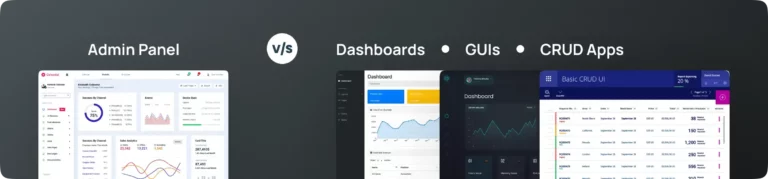
An Admin Panel is the control center for a software product or system. It's where privileged users (support agents, product managers, engineers) go to manage data, configure settings, and perform actions that regular users cannot.
- Primary Function: To moderate, configure, and support the main application. Think of it as the backstage area of a theater.
- Typical Users: Support, Operations, and Product teams.
- Key Actions: Managing user accounts (resetting passwords, changing permissions), editing application data (updating a product listing), configuring system settings.
The "Admin dashboard" (Example #1 from your reading) is the quintessential admin panel. These are powerful tools where error prevention is paramount, a topic we'll cover in depth later.
2. Operational Dashboards
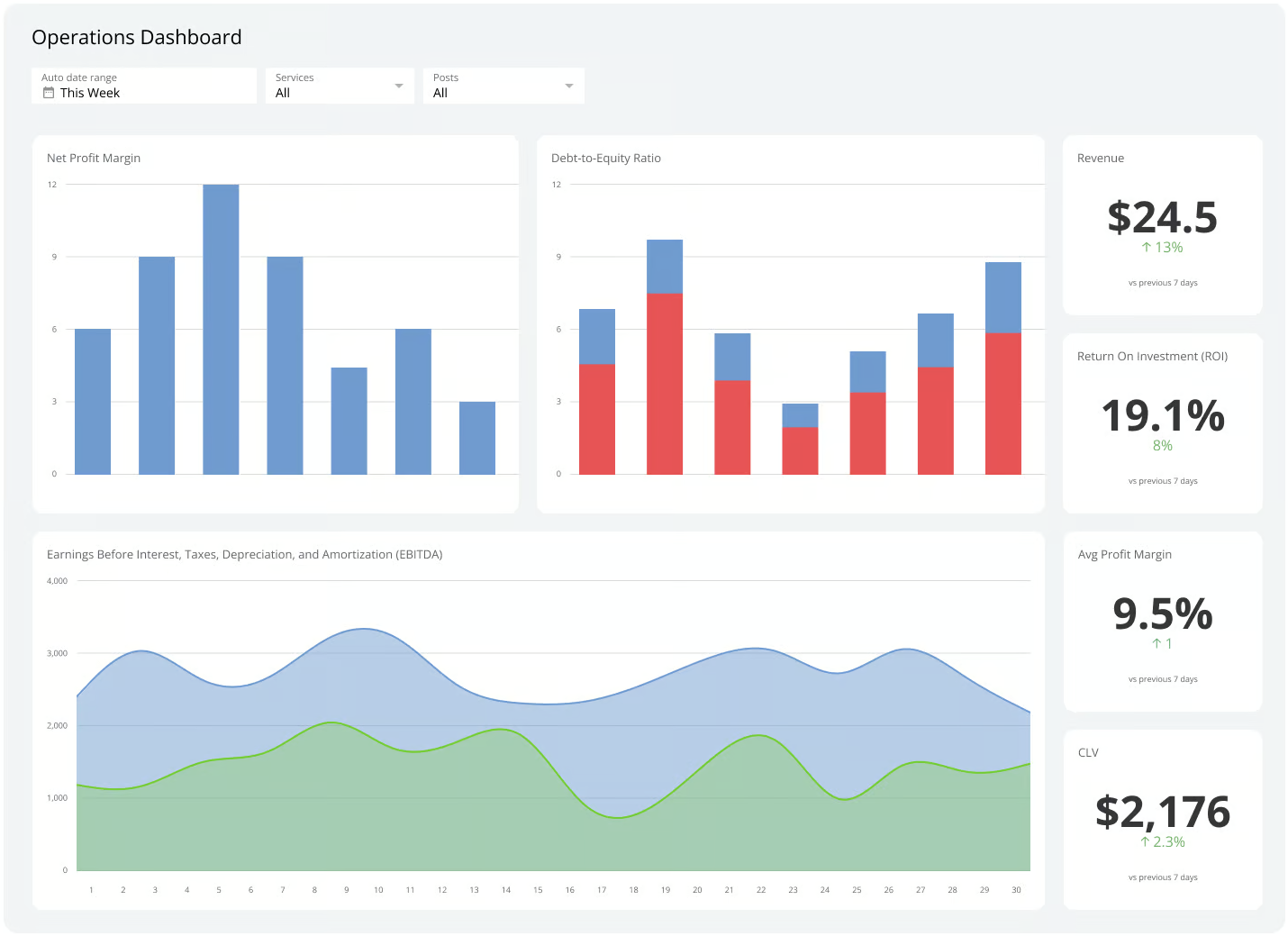
An Operational Dashboard provides a real-time, visual summary of business performance and key metrics (KPIs). Its purpose is monitoring and analysis, not data manipulation.
- Primary Function: To provide at-a-glance visibility into the health of a business process or system.
- Typical Users: Executives, department heads, analysts.
- Key Actions: Tracking performance against goals, identifying trends or anomalies, drilling down into data for further investigation.
The "Analytics dashboard" (Example #5) is a classic operational dashboard. Its value lies in consolidating data from multiple sources into a single, digestible view to enable faster decision-making.
3. Custom CRMs/ERPs
This category includes bespoke systems for Customer Relationship Management (CRM) or Enterprise Resource Planning (ERP). While off-the-shelf tools like Salesforce exist, many companies build custom versions when their processes are too unique for a standard solution.
- Primary Function: To manage core business relationships (customers, partners, vendors) or processes (sales pipeline, project management) in a way that is perfectly tailored to the company's workflow.
- Typical Users: Sales, Customer Success, Account Management, and Project Management teams.
- Key Actions: Tracking leads through a custom sales funnel, managing a unique customer onboarding process, logging interactions with strategic partners.
Examples from your reading like the "Customer success portal" (#4), "Internal CRM" (#7), and "Lead scoring engine" (#13) all fall into this category. They replace or augment generic software to fit a specific business model.
4. Employee Workflow Tools
These tools are designed to structure and automate specific, often repetitive, internal processes that employees must complete as part of their job. They bring order to chaos that might otherwise live in email chains and spreadsheets.
- Primary Function: To guide an employee through a multi-step process, ensuring consistency, capturing necessary data, and creating an audit trail.
- Typical Users: All employees, HR, Finance, and hiring managers.
- Key Actions: Submitting an expense report, requesting vacation time, onboarding a new hire, booking a conference room, completing compliance training.
This is a broad category. Many examples from the Superblocks article fit here, including "Approval workflow app" (#2), "Employee onboarding app" (#6), "Knowledge base app" (#10), and "Performance evaluation app" (#17).
5. Back-Office Systems
Back-Office Systems are the operational engines that run the non-customer-facing parts of the business. They often manage physical assets or complex financial data and are critical for the company to function.
- Primary Function: To manage the logistical and financial backbone of the company.
- Typical Users: Operations, Warehouse, Supply Chain, Finance, and IT teams.
- Key Actions: Tracking inventory levels, processing invoices, managing company hardware (laptops, servers), and tracking vendor contracts.
These systems are the heavy machinery of internal tools. Examples from your reading include "Inventory management tool" (#3), "Finance automation tool" (#8), "Asset management system" (#14), and "Vendor management system" (#11). Improving the UX of these systems can lead to massive cost savings through error reduction and efficiency gains.
Summary of Classification
Here is a table summarizing how the examples from the Superblocks article map to our five core types.
| Core Type | Primary Function | Examples from Reading |
|---|---|---|
| Admin Panels | Control and configure a system or product | 1. Admin dashboard |
| Operational Dashboards | Monitor KPIs and analyze business performance | 5. Analytics dashboard, 9. Incident tracker |
| Custom CRMs/ERPs | Manage tailored business relationships & processes | 4. Customer success portal, 7. Internal CRM, 13. Lead scoring engine |
| Employee Workflow Tools | Automate and structure employee tasks | 2. Approval workflow app, 6. Employee onboarding app, 10. Knowledge base app, 12. Resource booking app, 15. Training management portal, 16. Time tracking app, 17. Performance evaluation app |
| Back-Office Systems | Manage core operational and financial assets | 3. Inventory management tool, 8. Finance automation tool, 11. Vendor management system, 14. Asset management system |
Conclusion
In this lesson, you learned to cut through the complexity of the internal tools landscape by classifying them into five core types.
Key Takeaways:
- Admin Panels are for control and configuration.
- Operational Dashboards are for monitoring and analysis.
- Custom CRMs/ERPs are for managing unique business processes and relationships.
- Employee Workflow Tools are for structuring and automating employee tasks.
- Back-Office Systems are for managing the operational and financial backbone of the business.
- This classification is a mental model. Many tools are hybrids, but identifying the primary "job to be done" is the key to analysis.
This framework is your first diagnostic tool. When you encounter a poorly functioning internal system at a potential client, you can now confidently identify it, understand its intended purpose, and begin to see the opportunity for improvement.
Preview of Next Lesson:
We've defined internal tools and classified them. The next critical step is to understand the business opportunity. In the next lesson, we will dissect the "It works, that's enough" culture that leads to bad internal tools and learn how to translate that organizational weakness into a compelling, high-value consulting pitch.