Hello! Welcome to your next lesson in the module "The Editor's Craft: Pacing and Continuity."
In our last session, we focused on the 180-degree rule, a cornerstone of spatial continuity that ensures your audience always understands where characters are in relation to each other. Today, we're shifting our focus to temporal continuity—making time flow seamlessly across cuts.
Your goal for this lesson is to learn how to match action across cuts to create seamless transitions. This technique, often called a "match on action" or "cut on action," is one of the most powerful tools in an editor's toolkit for creating invisible edits that immerse the viewer in the story. It's fundamental for everything from polished YouTube videos to narrative short films.
1. What is a Match on Action?
A match on action is an editing technique where you cut from one shot to another that continues an action from the first shot. The movement in the first shot is "matched" in the second, making the cut feel smooth and uninterrupted. Think of it as a visual baton pass: the movement of a character or object is the baton, and it's passed so smoothly from one shot to the next that the audience barely notices the hand-off.
This is a specific type of match cut, which is a broader category of edits that connect scenes through similar shapes, actions, or sounds.
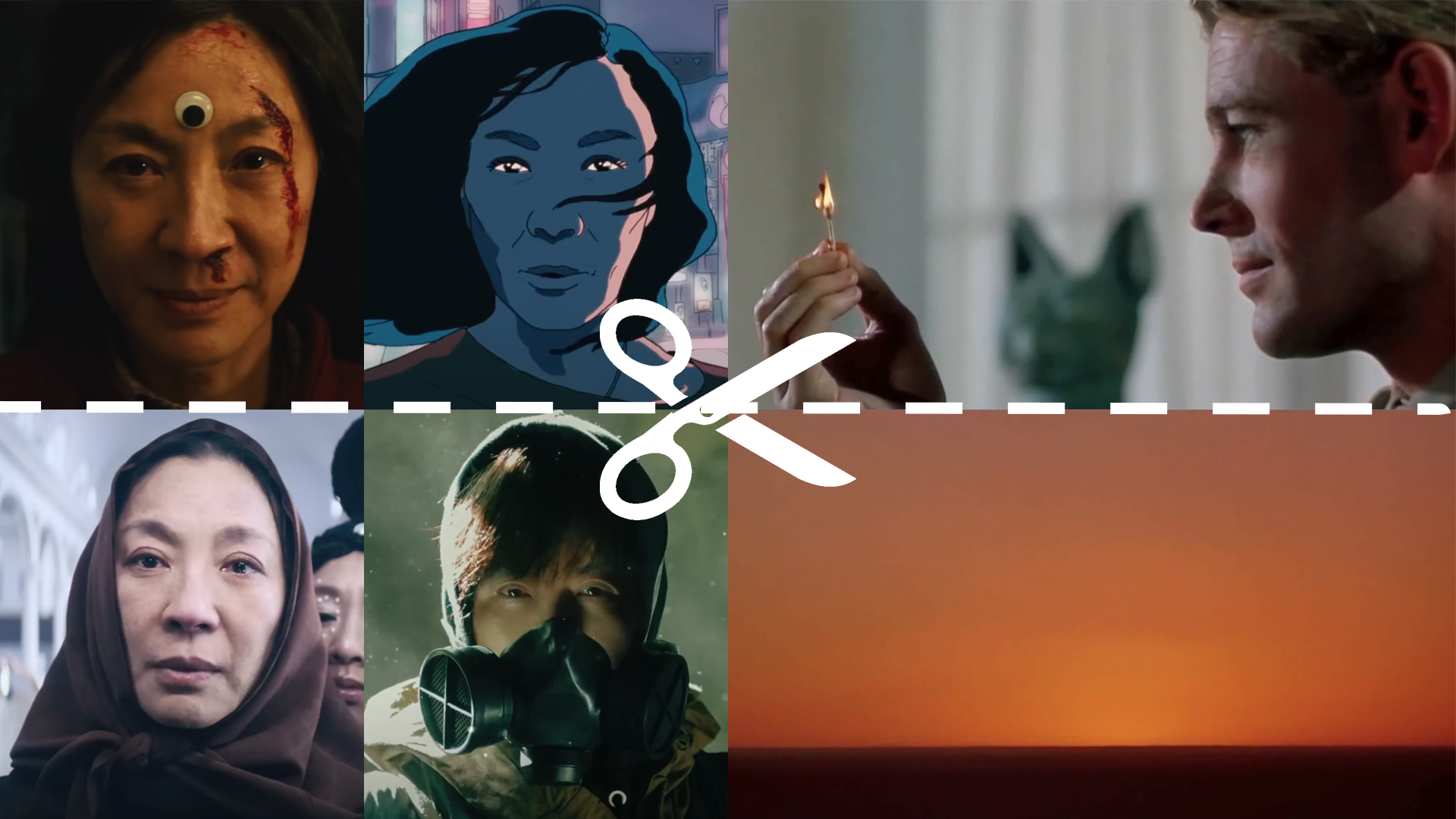
To see this in action, let's watch a short video that defines the concept and places it within the larger context of continuity editing.
The video 'Match Cuts in Film Editing' by John Tindell provides a clear introduction to different types of match cuts. We'll focus on the sections that define the concept and specifically explain the match on action.
Please watch the following two segments: Introduction (00:12 - 01:01): This part defines continuity editing and introduces the three main types of match cuts. Match on Action Explained (04:05 - 06:18): Pay close attention to how the movement of a character or object is used to bridge the cut in the examples from Paperman and Crash.
As the video shows, a match on action can be used both to change camera angles within a single scene and to transition between entirely different locations, all while maintaining a sense of fluid motion.
For a deeper dive into the purpose and effect of this technique, the following article offers some excellent examples and analysis.
Match Cuts & Creative Transitions with Examples
This article, 'Match Cuts & Creative Transitions' from StudioBinder, explains the 'why' behind using match cuts, particularly the match on action.
Please read the following two sections: Start with 'MATCH CUT DEFINITION' to solidify your understanding of what a match cut is and the different types. Then, read the section 'MATCH on Action CUT EXAMPLES'. Notice how it describes the technique creating 'narrative momentum' and analyzes the creative use in films like Scott Pilgrim vs. The World and The Graduate.
2. The Power of Invisible Editing
Now that you know what a match on action is, let's discuss why it's so effective. The primary goal of continuity editing is to make the editing process invisible, allowing the audience to become fully absorbed in the story. Cutting on action is a key way to achieve this.
When an audience sees a continuous movement, their brain is focused on the action itself, not on the edit. This has several benefits:
- Creates Seamlessness: It makes transitions between different shot sizes (e.g., from a wide shot to a close-up) feel natural and unobtrusive.
- Enhances Pace and Rhythm: In fast-paced sequences like fight scenes or chases, cutting on action can amplify the energy and create a driving rhythm. Cutting on the impact of a punch, for example, makes it feel more forceful.
- Compresses Time: You can show the beginning of an action in one shot and the end in another, skipping the boring part in between without the audience noticing. Imagine a character starting to stand up in a wide shot, and cutting to a close-up as they finish the movement. We don't need to see the entire action.
This next video does an excellent job of explaining and demonstrating these practical benefits.
6 Ways to Edit Any Scene — Essential Film & Video Editing Techniques Explained [Shot List Ep. 10]
In '6 Ways to Edit Any Scene,' StudioBinder breaks down several essential techniques. We'll focus on their explanation of cutting on action.
Watch the section on 'Cut on Action' from 15:49 to 17:39. Notice how they emphasize that this technique makes cuts feel 'more natural' and is used to add force and rhythm to fight scenes.
Test your understanding!
You are editing a short film. In one scene, a character receives a letter, opens it, and begins to read. You have two shots:
- A medium shot of the character tearing the envelope open.
- A close-up of the character's hands unfolding the letter.
To create a seamless match on action, where in the action would be the best moment to make the cut?
Show answer
The best place to cut would be during the motion. For instance, as the character's hands are moving to unfold the letter. You would end the first shot mid-motion and begin the second shot at the exact corresponding point in the motion. Cutting when the action is static (e.g., before they start unfolding or after they have finished) would be less smooth.
3. How to Create a Match on Action in CapCut
Theory is great, but let's get practical. Since you have experience with CapCut, we can look at how to apply this technique directly in software you know. The key to a successful match on action happens in two stages: production (filming) and post-production (editing).
The resource below, from CapCut's own website, provides an excellent overview of both.
Match on Action Explained | A Beginner's Guide to Smooth ...
This guide, 'Match on Action Explained', is tailored for CapCut users. It offers practical tips for filming and a step-by-step guide for editing.
Please read through these three sections: First, review the simple 'Examples of match on action cuts' (door opening, running, etc.) to get ideas for your own projects. Next, read the 'Tips to effectively use match on action cuts'. This is crucial, as it highlights the importance of planning your shots during filming. A good match on action starts with having the right footage. Finally, review the guide 'How to create a match on action cut with CapCut'. This provides a direct, practical workflow for implementing the technique in your editor.
Key Steps Summarized:
- Plan and Film with Overlap: When filming, capture the same action from at least two different angles or shot sizes. Crucially, make sure the actor performs the entire action in both takes. This gives you the "overlap" you need to find the perfect cut point in the edit.
- Find Your Cut Point: In your editing timeline (e.g., in CapCut), place your two clips back-to-back. Go through the first clip frame by frame and find a point in the middle of the action to place your out-point.
- Match the Action: Go to the second clip and scrub through to find the exact same frame of action. Place your in-point here.
- Refine the Cut: Play the transition back. Does it feel seamless? If not, you may need to nudge the edit point a few frames forward or backward in one or both clips until the motion flows perfectly. This is called "trimming" the edit.
Conclusion
You've now learned one of the most essential techniques for creating professional, immersive edits. By matching action across cuts, you guide the audience's eye, maintain the flow of the story, and make your editing feel invisible and effortless.
Key Takeaways:
- A match on action is a continuity editing technique that cuts between two shots during a continuous movement.
- The primary goal is to create a seamless transition that keeps the audience immersed in the story without being distracted by the cut.
- This technique is effective for changing angles, compressing time, and adding energy to a scene.
- Successful execution requires planning during filming (shooting overlapping action) and precise editing to find the exact matching frame.
Next Lesson Preview:
We have now covered maintaining continuity in both space (the 180-degree rule) and time (matching on action). In our next lesson, we will combine these principles to tackle one of the most common scenarios in film and video: editing a dialogue scene. You will learn how to edit dialogue scenes using shot-reverse-shot patterns, a technique that relies on everything we've discussed to create coherent and engaging conversations.